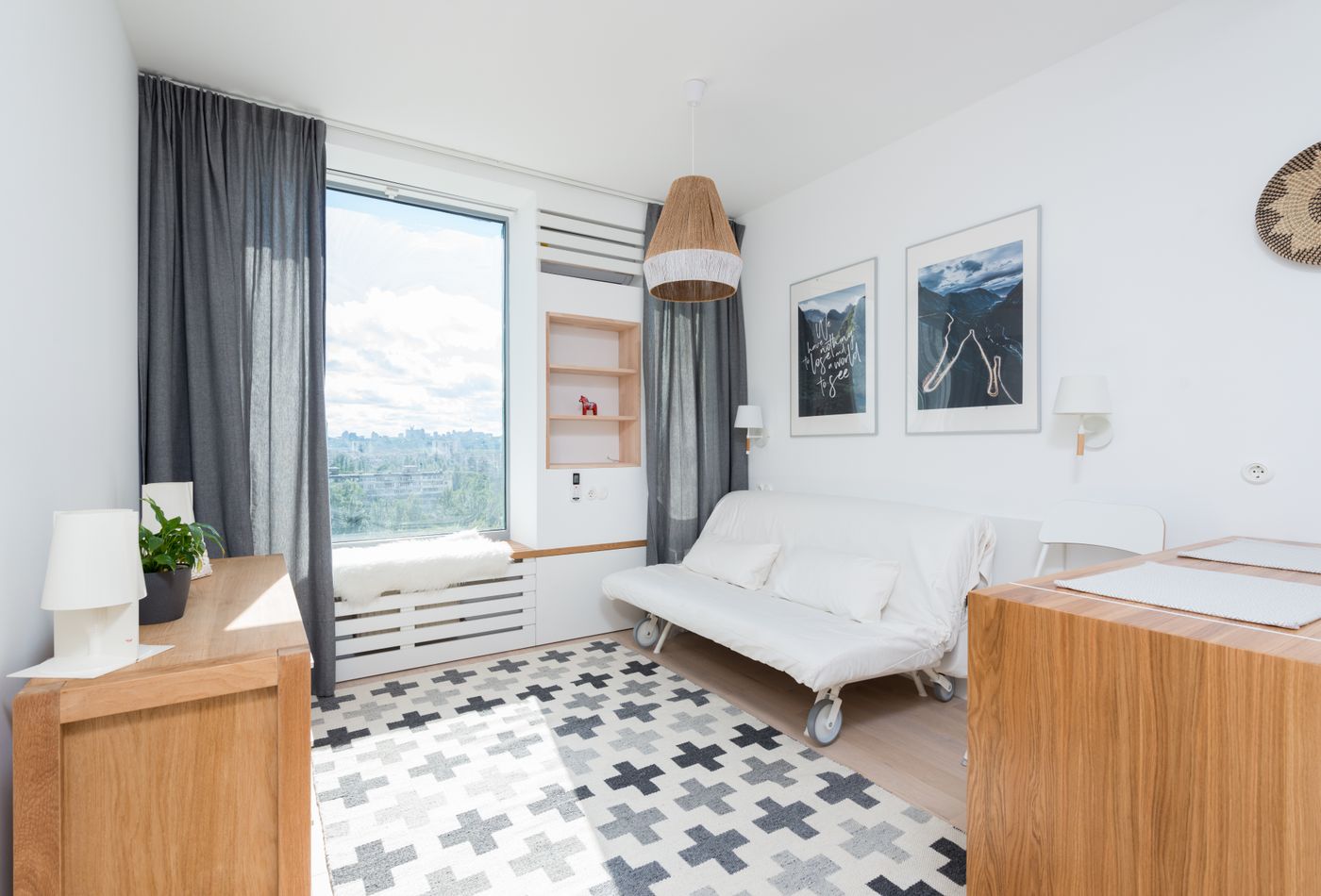
01 / EVERYDAY LIVING
A place for everyday living
31.9 m² / 344 sq ft · One editable layout
Explore this layoutExplore studio apartment layouts, move the furniture and compare your ideas in 3D. Start with a free example. No account needed.
Free public demos · Your own projects stay private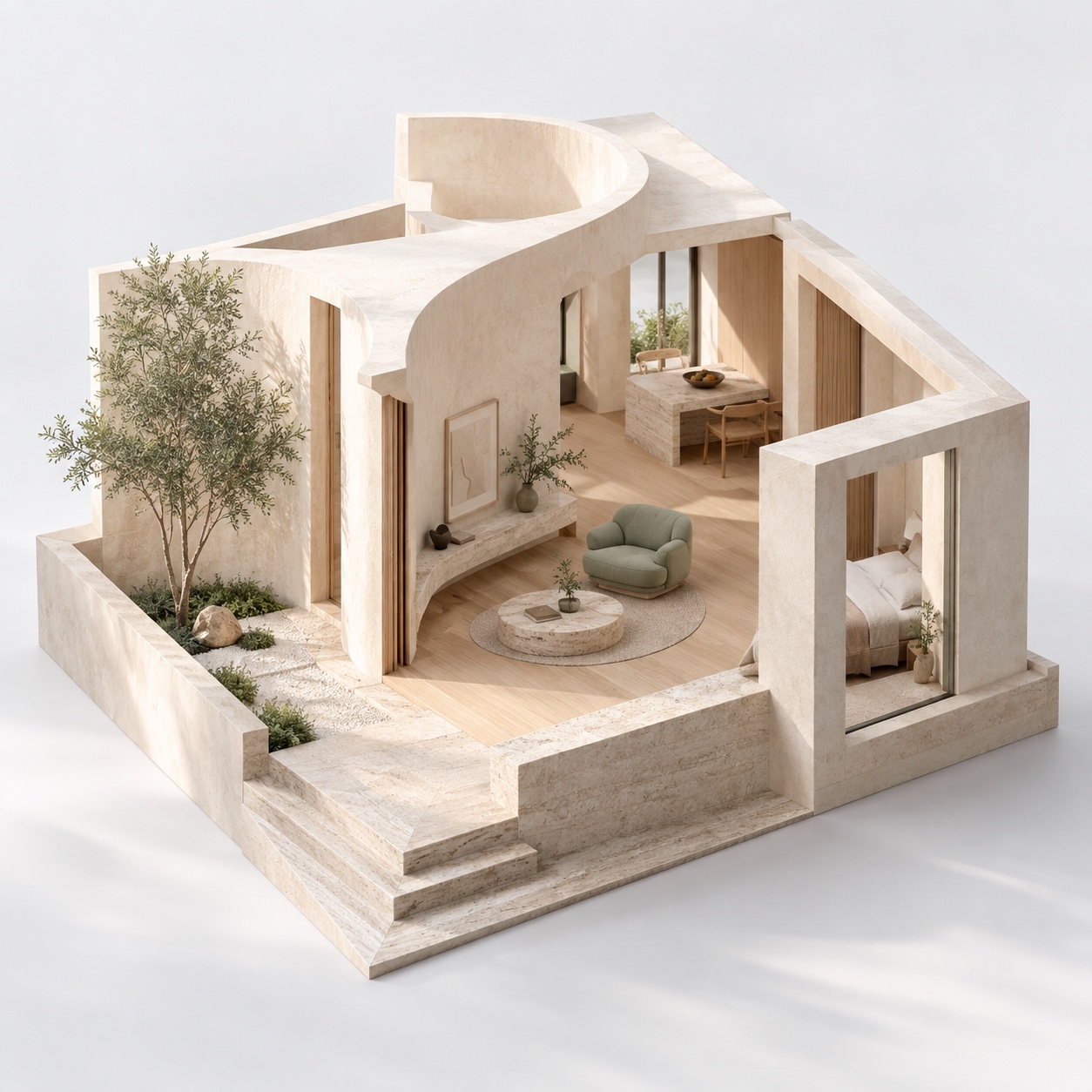
Three different room plans. One editable layout for each.
31.9 m² / 344 sq ft · One editable layout
Explore this layout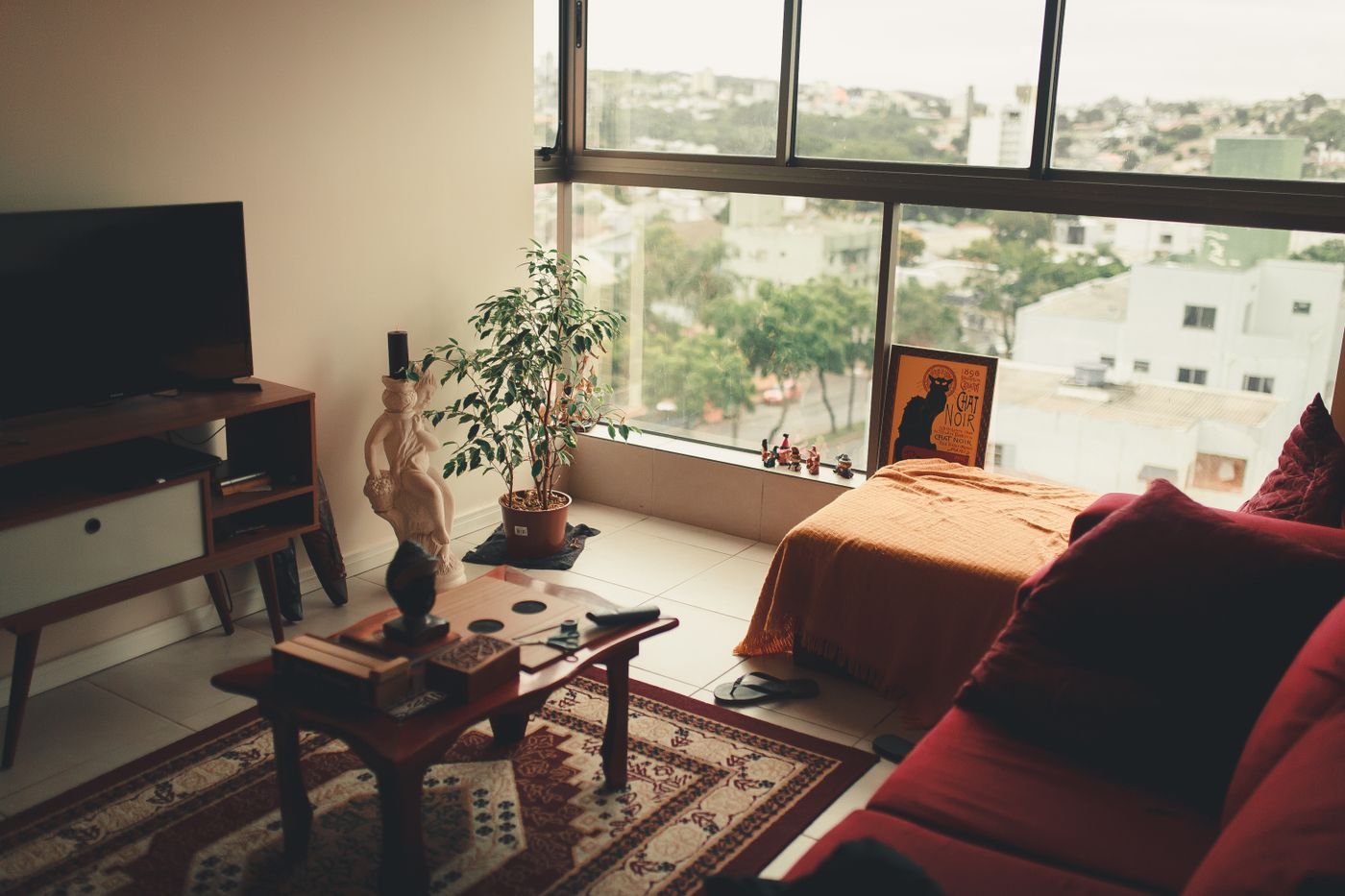
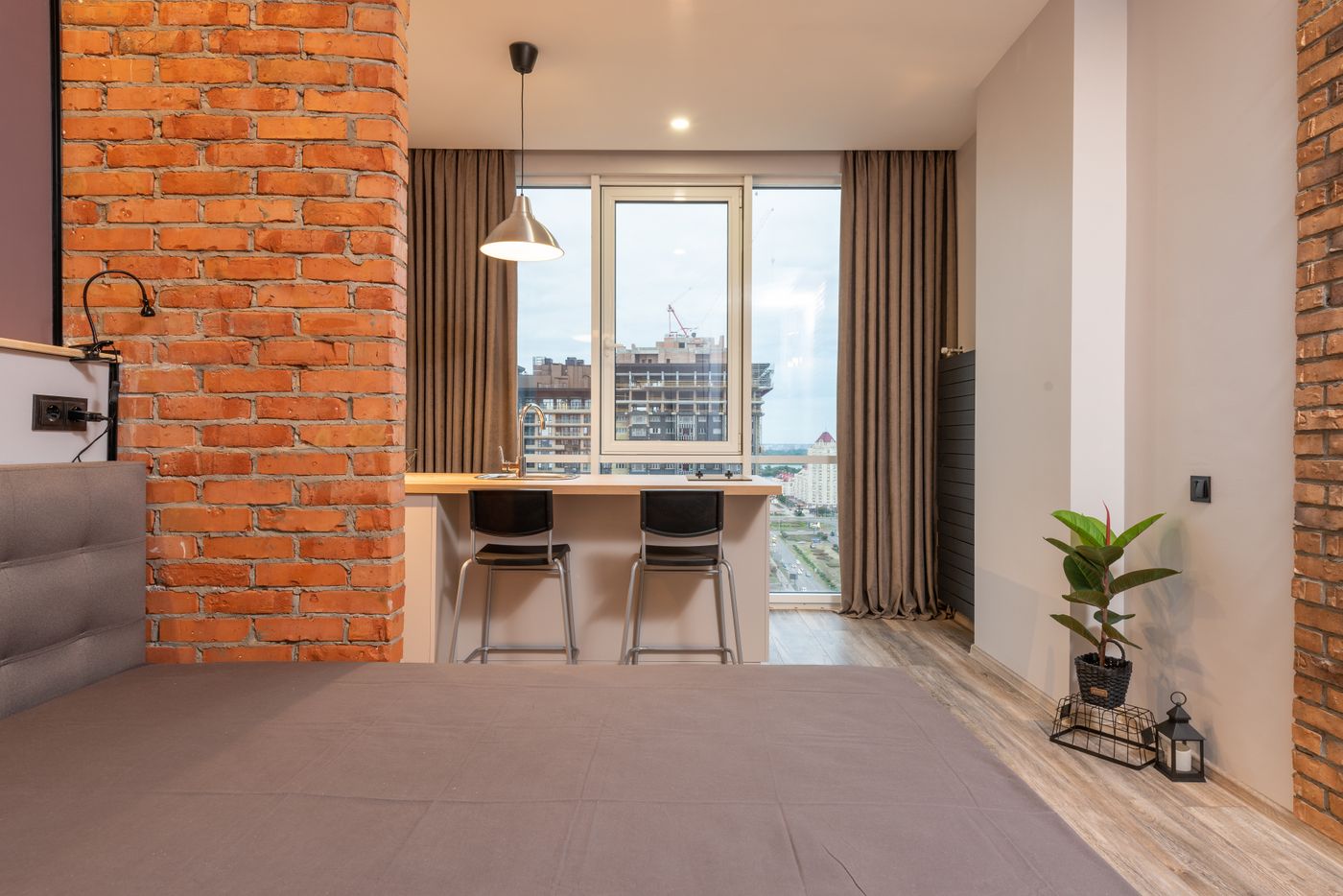
36.0 m² / 388 sq ft · One editable layout
Explore this layoutPublic design examples, not customer projects. All three include credited photo references. All dimensions are illustrative.
Use the room planner to make decisions about space before making changes at home.
Read the dimensions and tradeoffs, then open the free example in your browser.
Move furniture and adjust the room dimensions. Refreshing clears unsaved demo changes.
Create an account to save a copy to your private workspace. Photo and video assisted modeling is an early feature that requires administrator access.
Yes. Each public example starts with one layout. Move furniture and save a view without signing in. Create an account to save your project.
The private workspace supports uploading room photos or video frames. AI modeling currently requires administrator approval and is limited to supported narrow, single-room layouts. Registration alone does not unlock modeling.
No. They are editable concept layouts with illustrative furniture. Check actual dimensions, doors, windows, services and local requirements before buying furniture or changing your home.
Yes. Open Dimensions to adjust the room size. Furniture keeps its original size. Service positions stay fixed in the open and alcove examples.
No. Public examples are made separately. Your project records and uploaded reference images require your account to access; workspace administrators can also manage project data.